
How to Recover Disabled Instagram Account: A Step-by-Step Guide
Updated: Aug 17
Losing access to your Instagram account can be frustrating and stressful. Whether your account was disabled by mistake or due to a violation of Instagram’s policies, it’s important to know how to recover it effectively. In this guide, we will walk through the steps to regain control of your Instagram profile and get back to sharing your moments with friends, family, or followers.
Understanding Why Instagram Disables Accounts
Instagram disables accounts for several reasons. Sometimes, it’s due to violations of community guidelines, such as posting inappropriate content or engaging in spammy behavior. Other times, accounts are disabled by mistake or because of suspicious activity that triggers Instagram’s security systems.
Knowing why your account was disabled helps you prepare the right approach to recovery. Instagram usually sends an email explaining the reason, but if you didn’t receive one, you can still appeal the decision.
How to Recover Disabled Instagram Account
If you find yourself locked out, here’s what you can do to recover your Instagram account:
Check the Notification
When you try to log in, Instagram will often display a message explaining that your account has been disabled. Read it carefully to understand the reason.
Submit an Appeal
Instagram allows users to appeal the disabling of their accounts. To do this:
Go to the Instagram login page.
Enter your username and password.
Follow the on-screen instructions to submit an appeal.
Provide any requested information honestly and clearly.
Use the Instagram Help Center
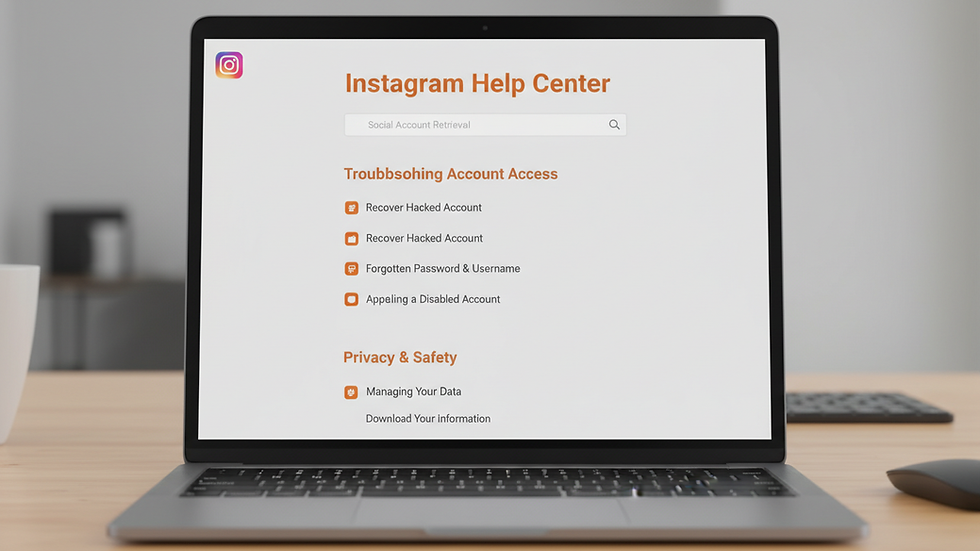
Visit the Instagram Help Center and navigate to the section for disabled accounts. You can fill out a form to request a review of your account status.
Verify Your Identity
Instagram may ask you to verify your identity by submitting a photo of yourself holding a government-issued ID. This step helps confirm that you are the rightful owner of the account.
Be Patient and Follow Up
After submitting your appeal, it may take several days or even weeks for Instagram to respond. Check your email regularly and respond promptly if they request more information.

Tips to Avoid Future Account Disabling
Once you recover your account, it’s important to take steps to prevent it from being disabled again. Here are some practical tips:
Follow Instagram’s Community Guidelines
Always post content that complies with Instagram’s rules. Avoid sharing anything that could be considered offensive, harmful, or spammy.
Avoid Using Third-Party Apps
Some apps promise to increase followers or likes but violate Instagram’s terms of service. Using these can lead to account suspension.
Secure Your Account
Enable two-factor authentication to add an extra layer of security. Use a strong password and change it regularly.
Monitor Account Activity
Keep an eye on your login activity and devices connected to your account. If you notice anything suspicious, change your password immediately.
Engage Authentically
Avoid aggressive following or liking behavior that might be flagged as spam. Build your audience organically and interact genuinely.
What to Do If Your Appeal Is Denied
Sometimes, despite your best efforts, Instagram may deny your appeal. If this happens:
Review Instagram’s Policies Again
Make sure you understand the specific reasons your account was disabled.
Create a New Account
If recovery is not possible, consider starting fresh with a new account. Be sure to follow all guidelines to avoid future issues.
Backup Your Content
Regularly save your photos, videos, and messages so you don’t lose important memories if your account is disabled.
Recovering a disabled instagram account can be a straightforward process if you follow the right steps. Stay calm, be patient, and provide accurate information during the appeal. With persistence, you can regain access and continue enjoying your Instagram experience.


